DevOps Online Live Class by Experts
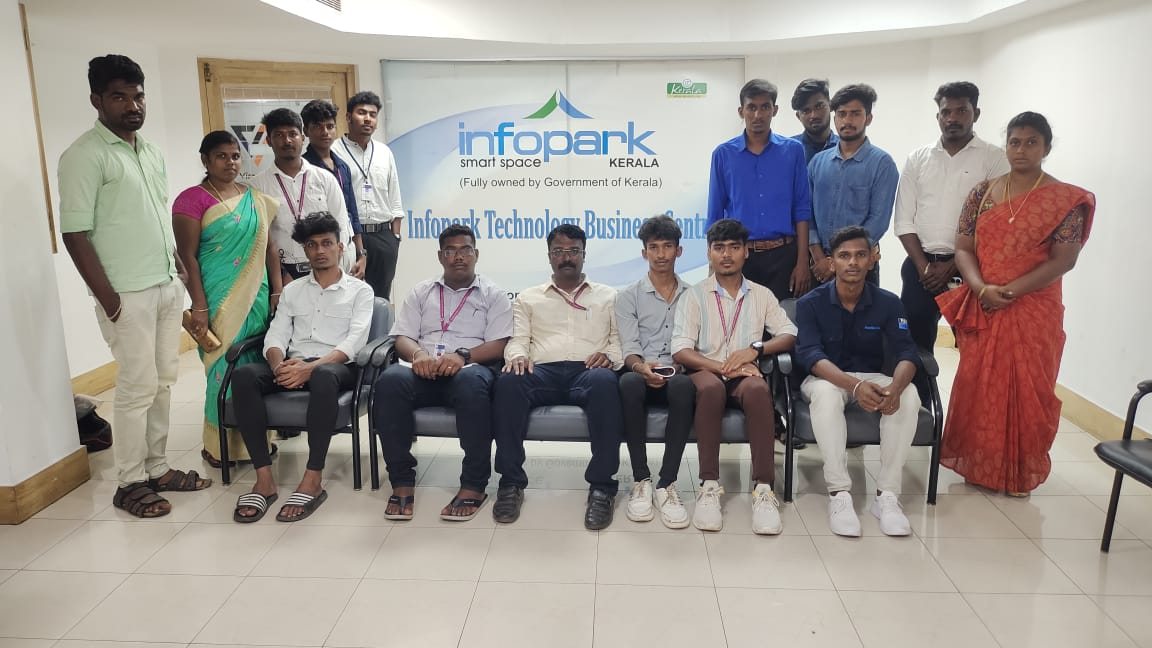
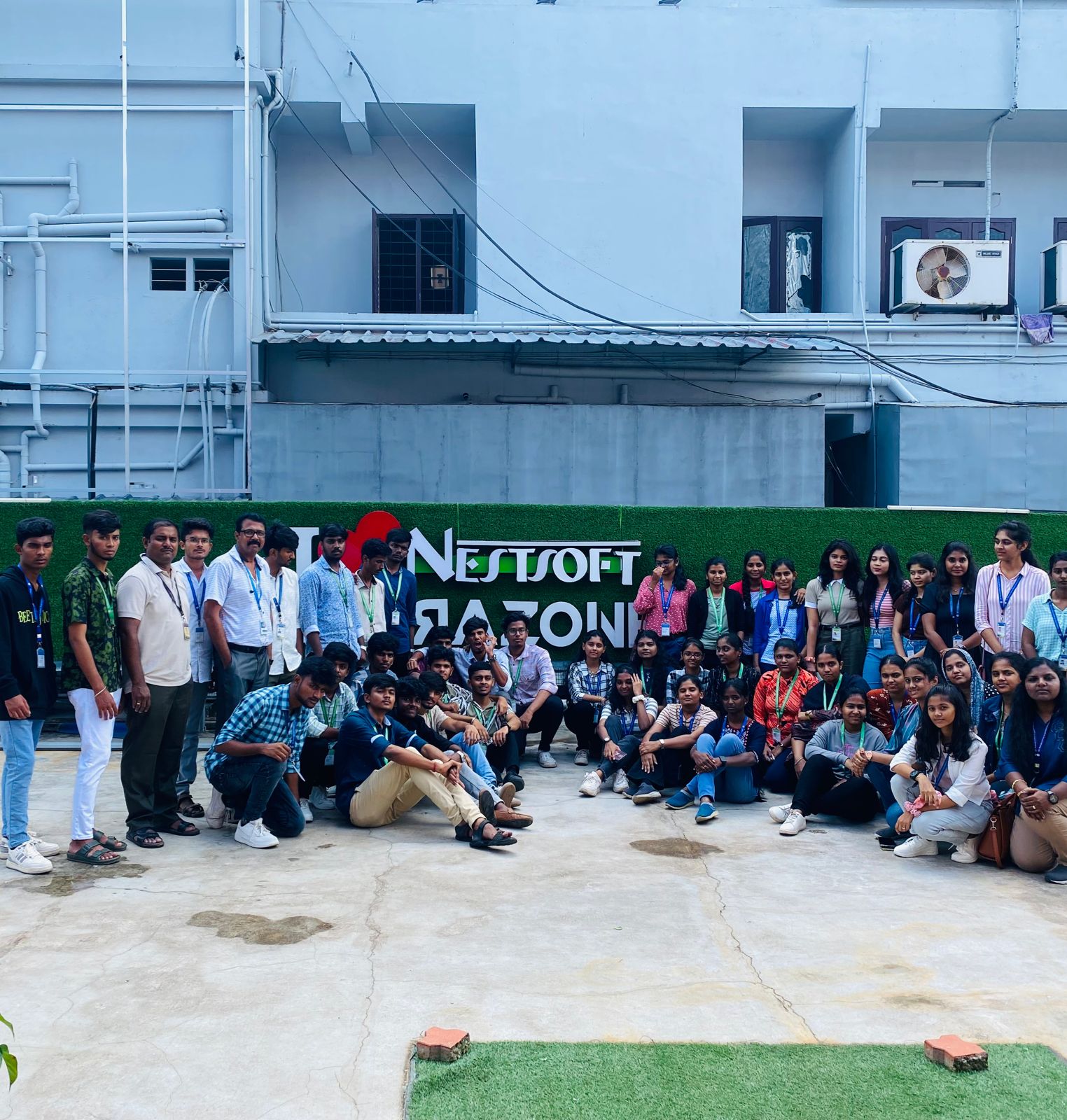
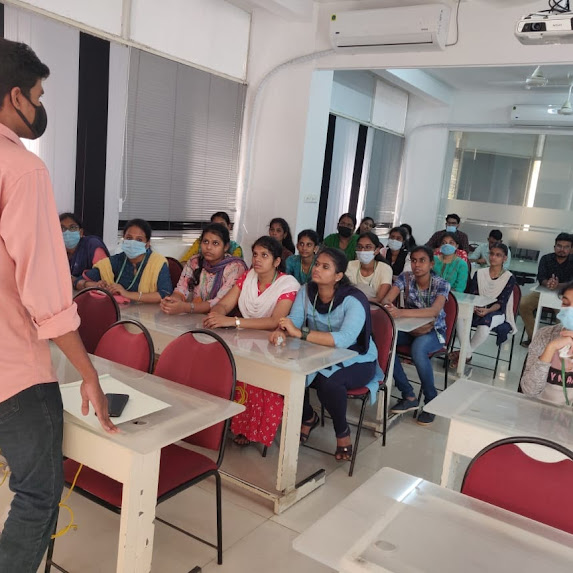
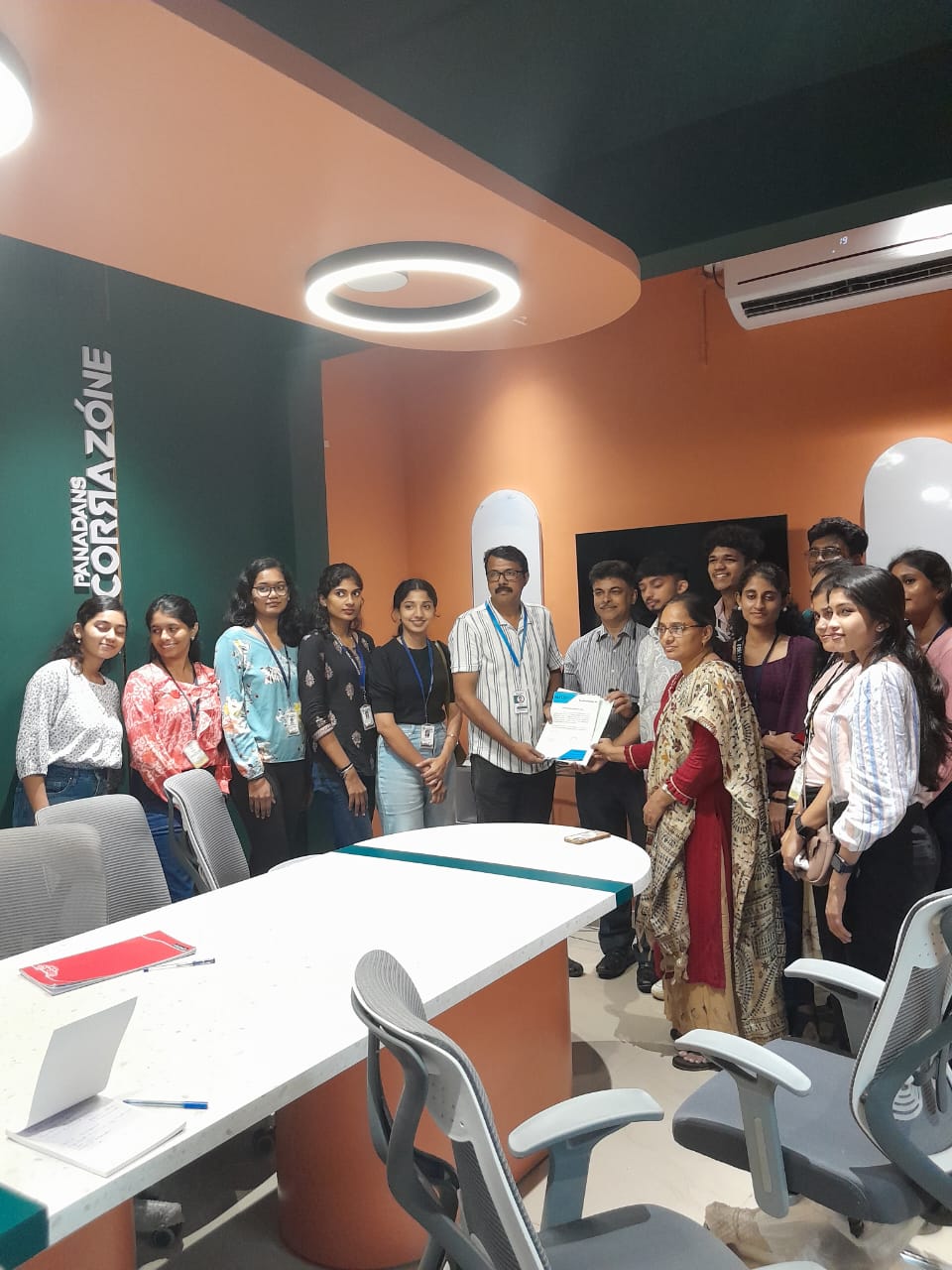
Our Training/Internship Process

DevOps - Syllabus, Fees & Duration
DevOps Overview
- Waterfall, Agile and DevOps
- DevOps (What, Why, Benefits)
- Overview – CICD
AWS Fundamentals
- Physical and Virtual Servers
- Public/Private Cloud Computing
- AWS/Azure/GCP (OV)
- Benefits of Cloud Computing
- Pricing and Usage Policy
- IAM Service
- EC2 Service
- RDS Service
- Cloud Storages
- Elastic IP, CloudFront and ELB (OV)
Practical
- AWS Free Tier Account Creation
- IAM User Creation
- EC2 Instance Creation
- Security Group Configuration
- Creation of database using RDS
- Connecting Ec2 Instance
- Connecting database
- Creation of S3 storage
Linux Fundamentals
- Linux
- Linux Architecture
- Linux Distributions
- Basic Linux Commands
- File Permission Management
- User Creation
- Shell Scripts
- SSH and VI Utility
Practical
- Creation of User
- Establishing SSH Connection to the Server
- File creation and Manipulation using VI editor
- Managing permissions
- Basic commands execution
- Writing Shell Scripts Program
Java Concepts
Build Tools – Maven
Python
SQL
Git and GitHub
- Version Control System
- Central vs Distributed Version Control System
- Introduction to Git
- Installation and setting up Git
- Important Git Commands
- Creating and Managing git Repositories
- Branching, Merging, Stashing, Rebasing, Reverting and Resetting
- Introduction to GitHub
- Managing Remote Repositories
Practical
- Installation and Configuration of git
- Creating Git Repositories
- Demonstrating various Git repositories
- Merging Branches and Managing merge conflicts
- Stashing, Reverting, Rebasing and Resetting
- Collaborating local and remote repositories
Jenkins :-
- Overview of Continuous Integration
- Difference between Continuous vs Traditional Integration
- Overview of Jenkins
- Jenkins Master-Slave Architecture
- Jenkins Installation and Configuration
- Jenkins Plugins
- Jenkins Management
- Jenkins Freestyle and Pipeline Jobs
- Scripted and Declarative Pipelines
- Configuring Slave Node to Jenkins
Practical :
- Installation and Configuration of Jenkins
- Configuration of Tools
- Configuration of Plugins
- Creation of Freestyle Jobs, scripted and declarative pipeline jobs
- Demonstrate pipeline triggering using GitHub webhooks
- Scripted and Declarative pipelines
- Integration of Code Coverage Tools and Static Code analysis tools
- Triggering pipelines using Git Web Hooks
- Creation of CICD pipelines
- Adding slave node to Jenkins
Docker, and Docker Hub
- Introduction to Virtualization and Containerization
- What is Containerization
- Docker Architecture
- Docker Hub (OV)
- Docker Installation
- Docker Commands
- Container Modes
- Port Binding
- Docker file
- Managing Docker Images
- Running and Managing Containers
- Docker Volume
- Docker Compose
- Overview of Docker Swarm
Practical :
- Installation of Docker and Docker Compose on AWS EC2
- Running Docker Commands
- Writing Docker Files for various applications
- Building Docker Images
- Pushing Images to Docker Hub
- Running Docker Containers
- Container Port Binding
- Running multiple containers using Docker Compose file
- Persisting container data using Docker Volume
- Initialize a docker swarm and demonstrate workload deployments
Kubernetes
- Overview of Container Orchestration
- Different between Docker swarm and Kubernetes Cluster
- Kubernetes Architecture
- Installation of Kubernetes – Minikube and EKS
- Kubernetes Nodes
- Kubernetes Pods
- Kubernetes Deployments
- Rolling updates and rollbacks
- Scaling up and down of the application
- Services in Kubernetes
Practical:
- Installation and configuration of Kubernetes Minikube
- Creation of Pods and Deployments using ad-hoc Commands
- Creation of Pods and Deployments using YAML files
- Scaling up and Scaling Down of the application
- Rolling out Deployments and Rolling Back
- Creation of Services Configuration Automation using Ansible
- Overview of Configuration Automation
- Introduction to Ansible
- Ansible Architecture
- Components of Ansible
- Installation and Configuration of Ansible
- Ansible ad-hoc commands
- Ansible Playbooks
- Ansible Variables
- Ansible Handlers
- Ansible Role using Ansible Galaxy
Practical:
- Installation and Configuration Ansible
- Running Ansible ad-hoc commands.
- Writing Ansible Playbooks to Configure Servers
- Creating Ansible Roles
Terraform
- Introduction to Terraform
- Terraform Vs Ansible
- Terraform Architecture
- Terraform Configuration
- Terraform Commands
- Managing Terraform Resources
- Terraform End to End Project
Practical:
- Installation of Terraform on AWS EC2 Instance
- Writing Terraform Configuration
- Creation of AWS EC2 instance using terraform
- Managing AWS resources using terraform
- End to End Infrastructure Creation Project.
Prometheus and Grafana
- Overview of continuous monitoring
- Continuous monitoring tools in DevOps
- Installation and Configuration of Prometheus and Grafana
- Prometheus Architecture
- Monitoring using Prometheus
- Dashboard visualization using Grafana
Practical
- Installation and Configuration of tools
- Monitoring Targets using Prometheus
- Visualizing Reports using Grafana
Project / Internship (Any)
Syllabus
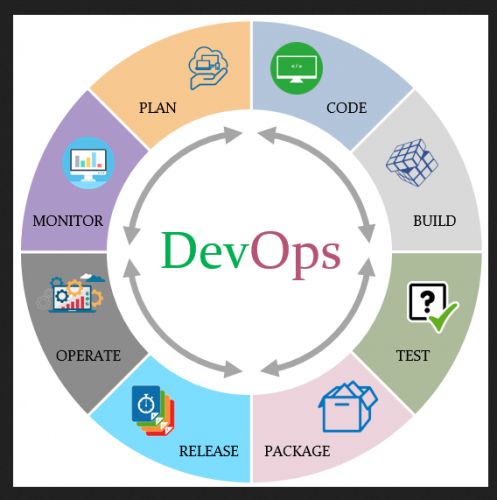
1. Introduction to DevOps- Overview : Understanding the DevOps philosophy and its significance in modern software development.
- Key Concepts : Continuous Integration (CI), Continuous Deployment (CD), and the DevOps lifecycle.
2. Version Control Systems
- Git: Mastering Git commands, branching strategies, and collaboration workflows.
- GitHub/GitLab : Utilizing platforms for repository management and team collaboration.
3. Continuous Integration and Continuous Deployment (CI/CD)
- Jenkins: Setting up pipelines, automating builds, and integrating testing.
- Azure DevOps: Implementing CI/CD pipelines using Azure services.
4. Configuration Management
- Ansible: Automating infrastructure provisioning and configuration.
- Chef/Puppet: Managing system configurations and deployments.
5. Containerization and Orchestration
- Docker: Creating, managing, and deploying containerized applications.
- Kubernetes: Orchestrating container deployments, scaling, and management.
6. Infrastructure as Code (IaC)
- Terraform: Defining and provisioning infrastructure using code.
- CloudFormation: Managing AWS resources through templates.
7. Monitoring and Logging
- Prometheus: Collecting and analyzing metrics.
- Grafana: Visualizing data and setting up dashboards.
- ELK Stack: Implementing Elasticsearch, Logstash, and Kibana for log management.
8. Cloud Platforms
- AWS: Exploring services like EC2, S3, and Lambda.
- Azure: Utilizing Azure services for DevOps practices.
- Google Cloud Platform (GCP): Leveraging GCP services in DevOps workflows.
9. Security in DevOps
- DevSecOps: Integrating security practices into the DevOps pipeline.
- Vulnerability Assessment: Identifying and mitigating security risks.
10. Testing Automation
- Selenium: Automating web application testing.
- JUnit/TestNG: Implementing unit testing frameworks.
11. Collaboration and Communication
- Agile Methodologies: Applying Agile principles in DevOps.
- Tools: Using Jira, Confluence, and Slack for team collaboration.
12. Case Studies and Real-World Applications
- Industry Examples: Analyzing successful DevOps implementations.
- Best Practices: Learning from real-world scenarios and challenges.
This syllabus is not final and can be customized as per needs/updates
- Since 2001, Making IT Experts by Experts
- Duration: 70 Hours (Vary as per your skill)
- Course Fees
- Individual Live Classes (1:1)
- Batch Classes @ Low Fees
- Training on Your Time, Any Where
- Access to Recorded Videos
- Practical Internship on Projects
- 100% Placement Support by our jobsNEAR.in
- Training/Internship Certificate
- Agra
- Ahmedabad
- Alappuzha
- Aurangabad
- Bangalore
- Belgaum
- Bellary
- Bhubaneswar
- Chennai
- Cochin
- Coimbatore
- Delhi
- Dindigul
- Erode
- Gulbarga
- Guntur
- Gurgaon
- Haryana
- Hyderabad
- Idukki
- Indore
- Jaipur
- Kalyan
- Kannur
- Kanpur
- Kasaragod
- Kerala
- Kolkata
- Kollam
- Kottayam
- Kozhikode
- Lucknow
- Madurai
- Malappuram
- Mangaluru
- Mumbai
- Mysuru
- Nagpur
- Nashik
- Navi Mumbai
- Nizamabad
- Noida
- Palakkad
- Pathanamthitta
- Pune
- Punjab
- Salem
- Shimla
- Solapur
- Surat
- Thane
- Thanjavur
- Thirunelveli
- Thoothukudi
- Thrissur
- Tiruchirappalli
- Tiruppur
- Trivandrum
- Vadodara
- Varanasi
- Vellore
- Vijayawada
- Visakhapatnam
- Wayanad
Course Highlights

Our Locations

 Course Description:
This course introduces fundamental concepts and tools used in DevOps practices. Students will learn how to effectively manage infrastructure, automate deployment processes, and monitor system performance using various technologies and services. Each module is designed to build upon the previous one, providing students with a well-rounded understanding of DevOps practices and technologies. This syllabus covers a comprehensive range of topics in DevOps, from cloud services and infrastructure management to automation tools and monitoring solutions. Course Objectives:Understand the principles and practices of DevOpsGain proficiency in managing cloud infrastructure using AWS servicesLearn version control with GitAutomate software build and deployment using Maven and JenkinsImplement configuration management with AnsibleContainerize applications using DockerOrchestrate containers with KubernetesInfrastructure as Code with TerraformMonitor system performance using Prometheus and Grafana.
Course Description:
This course introduces fundamental concepts and tools used in DevOps practices. Students will learn how to effectively manage infrastructure, automate deployment processes, and monitor system performance using various technologies and services. Each module is designed to build upon the previous one, providing students with a well-rounded understanding of DevOps practices and technologies. This syllabus covers a comprehensive range of topics in DevOps, from cloud services and infrastructure management to automation tools and monitoring solutions. Course Objectives:Understand the principles and practices of DevOpsGain proficiency in managing cloud infrastructure using AWS servicesLearn version control with GitAutomate software build and deployment using Maven and JenkinsImplement configuration management with AnsibleContainerize applications using DockerOrchestrate containers with KubernetesInfrastructure as Code with TerraformMonitor system performance using Prometheus and Grafana.