Autodesk Maya Online Live Class by Experts
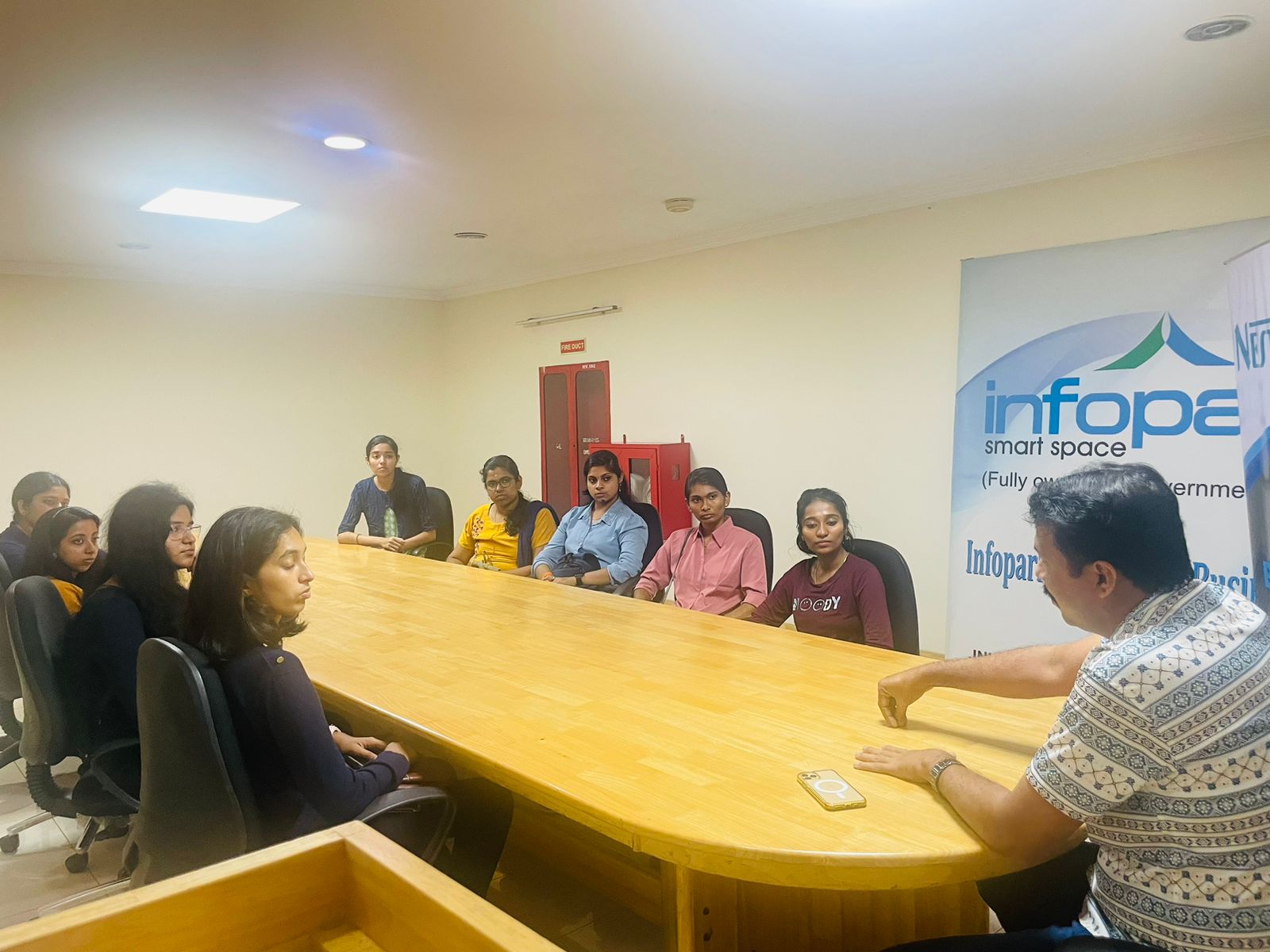
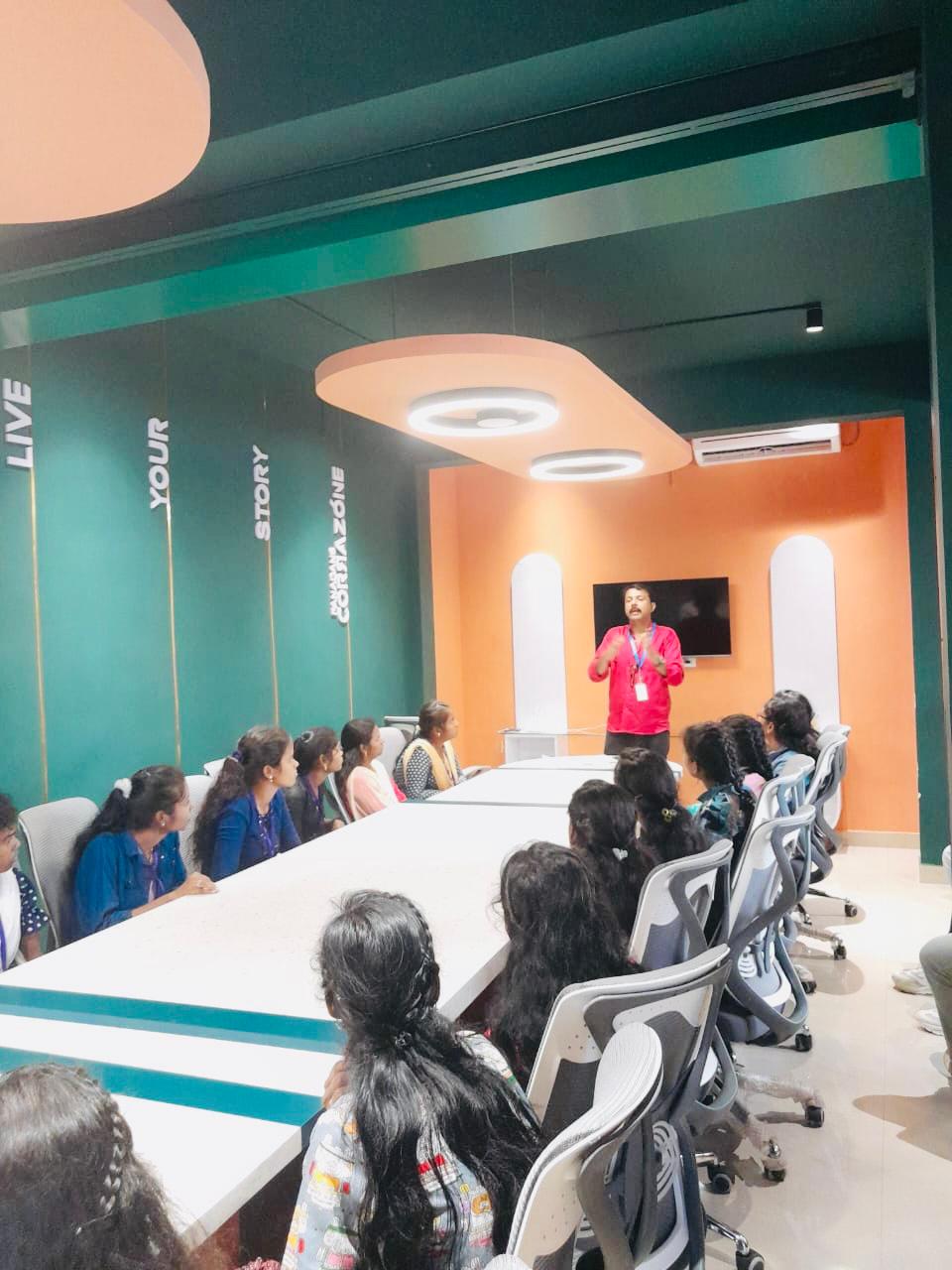
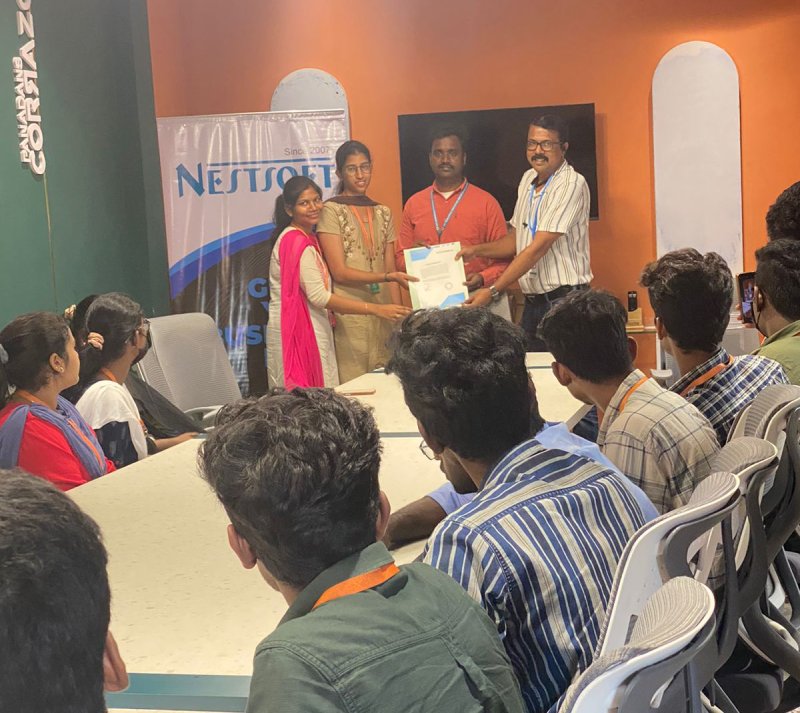
Our Training/Internship Process

Autodesk Maya - Syllabus, Fees & Duration
Overview of Maya
- Understanding the Maya interface
- Setting up files and Maya projects
- Configuring viewports
- Customizing the interface
- Navigating the Maya workspace
- Using the hotbox and marking menus
- Selecting objects
- Using the Move tool
- Rotating and scaling objects
- Working with pivots
- Understanding the Channel Box
- The Attribute Editor
Maya Scenes
- Organizing Maya Scenes
- Working with the Outliner
- Dealing with hierarchies
- Object groups
- Exploring Hypergraph
- Hiding and showing objects
- Working with layers
- Working with selection masks
Working with Polygons
- Creating Polygonal Models
- Differences between NURBS and polys
- Selecting polygonal components
- Using Soft Select and reflection
- Sculpting with the Sculpt tool
- The Combine and Separate commands
- Working with subdivision surfaces
Working with Meshes
- Working with edge loops
- Using Edge Flow for smooth geometry
- Reorienting geometry using Spin Edge
- Drawing detail with the Connect tool
- Mirroring geometry
- Modeling with nonlinear deformers
- Modeling with lattices
NURBS-based Modelling
- Refining NURBS Models
- Extracting NURBS curves from surfaces
- Open/ Close curves and surfaces
- Creating curves on a surface
- Projecting curves on surfaces
- Trimming NURBS surfaces
- Using fillets to connect surfaces
- Converting NURBS to polygons
Using Materials
- Creating Materials
- Overview of Maya renderers
- The basics of materials
- Creating and applying maps
- Using bitmaps as texture
- Working with the Hype shade window
- Using the Ramp material
- Displacement and bump maps
- Mental ray materials
Using Textures
- Applying Textures
- Texture mapping
- Projecting textures on surfaces
- Applying multiple materials
- UV mapping
- The UV Texture Editor
Rendering your Scene
- Render Settings
- Lights and lighting types
- Rendering shadows
- Camera basics
- Depth of field
- Motion Blur
- Reflections and refractions
- Matching lights and shadows to images
- Batch rendering
Animating in Maya
- The animation interface
- Set Key
- The Graph Editor
- The Dope Sheet
- Animating objects along spline paths
- Ghosting animation
- Animation playback using Playblast
- Creating animation cycles
This syllabus is not final and can be customized as per needs/updates
- Since 2001, Making IT Experts by Experts
- Duration: 70 Hours (Vary as per your skill)
- Course Fees
- Individual Live Classes (1:1)
- Batch Classes @ Low Fees
- Training on Your Time, Any Where
- Access to Recorded Videos
- Practical Internship on Projects
- 100% Placement Support by our jobsNEAR.in
- Training/Internship Certificate
- Agra
- Ahmedabad
- Alappuzha
- Aurangabad
- Bangalore
- Belgaum
- Bellary
- Bhubaneswar
- Chennai
- Cochin
- Coimbatore
- Delhi
- Dindigul
- Erode
- Gulbarga
- Guntur
- Gurgaon
- Haryana
- Hyderabad
- Idukki
- Indore
- Jaipur
- Kalyan
- Kannur
- Kanpur
- Kasaragod
- Kerala
- Kolkata
- Kollam
- Kottayam
- Kozhikode
- Lucknow
- Madurai
- Malappuram
- Mangaluru
- Mumbai
- Mysuru
- Nagpur
- Nashik
- Navi Mumbai
- Nizamabad
- Noida
- Palakkad
- Pathanamthitta
- Pune
- Punjab
- Salem
- Shimla
- Solapur
- Surat
- Thane
- Thanjavur
- Thirunelveli
- Thoothukudi
- Thrissur
- Tiruchirappalli
- Tiruppur
- Trivandrum
- Vadodara
- Varanasi
- Vellore
- Vijayawada
- Visakhapatnam
- Wayanad
Course Highlights

Our Locations

 additionally, Maya is very optimized for using and editing new Python scripts or MEL within the daily workflow. On the big and little studio of Maya, you'll see various pipelines build, add their own plugins, and establish work routines. Upon victorious completion of this course you will be able to: work in a production environment, perceive the mechanics of Maya, be able to create 3d models using a kind of techniques, work with materials to the texture you models, perceive the way to light a scene, be able to create animations, stage a scene and understand photography and know how to make output to be used in post-production. The options of Maya aren't like using only modifiers, you'll be able to apply modeling layers but it is a free-form approach to 3D modeling. large film franchises like Transformers and Harry Potter use Maya technology to produce their wonderful visual effects and animation. Nestsoft provides the most effective Autodesk Maya online training course. This software provides actual live 3D effects with us North American nation a large kind of scope to make live models. whether or not you’re wanting to begin a new career within the 3D animation industry, or incorporate 3D animations into your existing work for broadcast or the web. Our live training classes are handled by specialists in this field and the syllabus starts from the basics to the most advanced of the subject our team can assist you If a candidate gets any doubts or errors while using this.
.
additionally, Maya is very optimized for using and editing new Python scripts or MEL within the daily workflow. On the big and little studio of Maya, you'll see various pipelines build, add their own plugins, and establish work routines. Upon victorious completion of this course you will be able to: work in a production environment, perceive the mechanics of Maya, be able to create 3d models using a kind of techniques, work with materials to the texture you models, perceive the way to light a scene, be able to create animations, stage a scene and understand photography and know how to make output to be used in post-production. The options of Maya aren't like using only modifiers, you'll be able to apply modeling layers but it is a free-form approach to 3D modeling. large film franchises like Transformers and Harry Potter use Maya technology to produce their wonderful visual effects and animation. Nestsoft provides the most effective Autodesk Maya online training course. This software provides actual live 3D effects with us North American nation a large kind of scope to make live models. whether or not you’re wanting to begin a new career within the 3D animation industry, or incorporate 3D animations into your existing work for broadcast or the web. Our live training classes are handled by specialists in this field and the syllabus starts from the basics to the most advanced of the subject our team can assist you If a candidate gets any doubts or errors while using this.
.